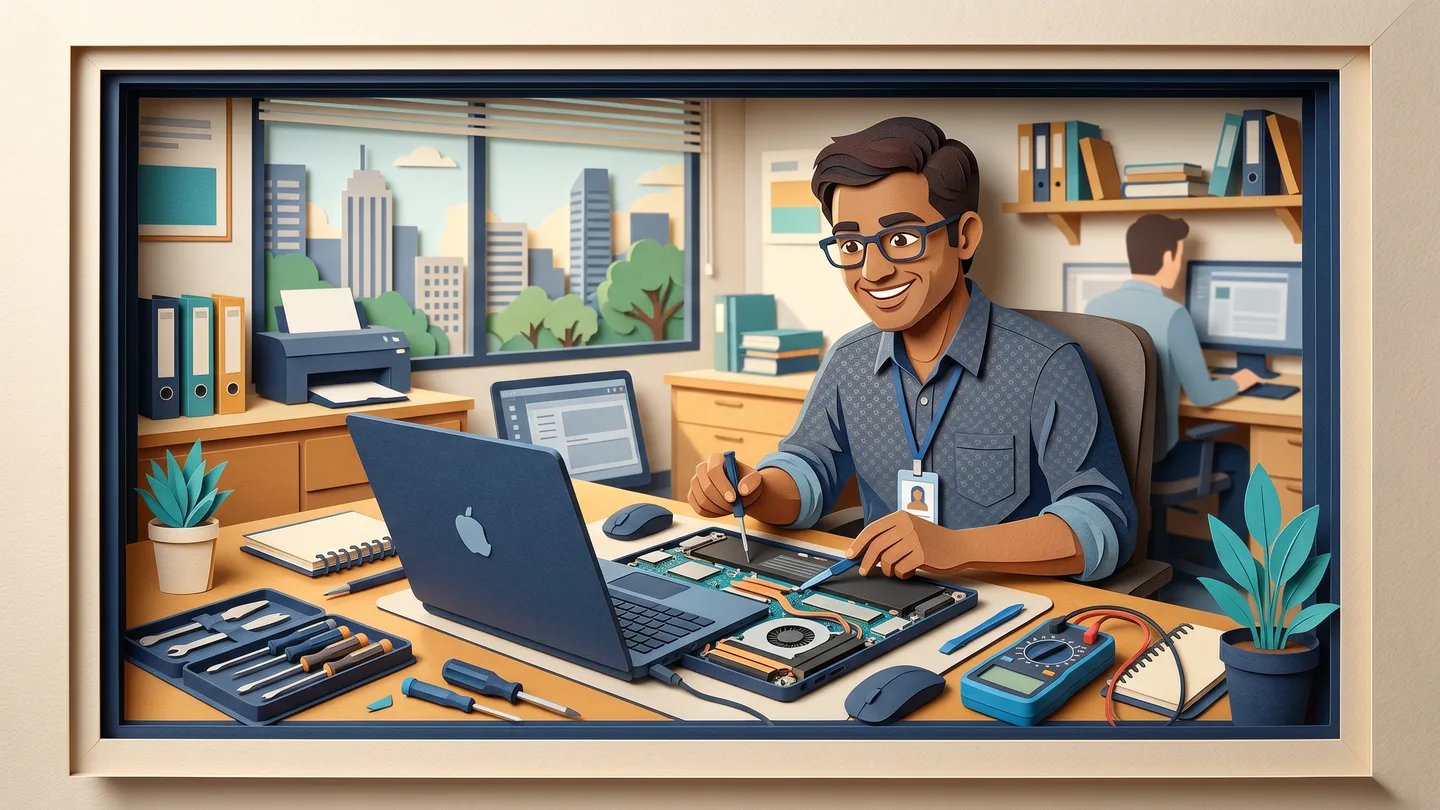
Key takeaways
- A slow 4-5 year old PC usually just needs an SSD and more RAM, not replacing
- An SSD only fixes storage lag; it won't cure a tired CPU, overheating, or malware
- Replace once repair nears 50% of a new machine or the CPU/board is failing
- A dead laptop rarely means lost data; stop power-cycling and recover files first
"Saheb, this computer is too old, change it" is the most expensive sentence a repair technician can say. Sometimes it is true. More often it is not.
Repair or replace?
Set your machine's age and the two prices — the dial swings to the honest call, and shows why an SSD upgrade so often beats buying new.
A guide, not gospel — we give you the honest answer for your actual machine. Often a 5-year-old PC just needs an SSD and a bit more RAM. See on-site repair →
A desktop or laptop that takes two minutes to open Tally, freezes on a second Excel sheet, and lets you finish your tea while it boots is not finished. It is starving for a faster disk and a bit more memory. Both cost a fraction of a new machine.
Treat "your PC is dead, buy a new one" the way you would treat "painting work from ₹5 per square foot." The number sounds simple until you see what it leaves out. The real question is never just repair or replace. It is what is actually wrong, what fixing it costs, and how many more years that buys. This guide walks you through it so you can read any repair quote like a pro.
When an upgrade beats a new machine (and when it doesn't)
A 4-5 year old office PC that feels slow is usually slow for one of two boring reasons. It still runs on an old mechanical hard disk (HDD), or its RAM is permanently sitting near full.
Both have cheap, dramatic fixes. The only way to know which one applies to your machine is to look at it, so we start with a free on-site survey before anyone quotes you anything.
Swapping a mechanical hard disk for an SSD (solid-state drive) is the single biggest change you can make. A machine that took roughly two minutes to boot will commonly start in well under half a minute. Everyday apps like Tally, the browser, Excel and your billing software open and switch without that "hanging" pause. Adding RAM, say from 4GB to 8GB, stops the machine choking when you keep ten browser tabs and two spreadsheets open at once.
Be honest about what an SSD can and cannot fix
This is where a trustworthy technician separates themselves. An SSD fixes a storage bottleneck only.
It will not cure a genuinely tired processor. It will not fix overheating or thermal throttling. It will not remove malware. If your machine crashes randomly, restarts on its own, or runs hot and loud, an SSD alone is not the answer, and anyone who promises it will be "brand new" is overselling. Say this plainly and you have an honest diagnosis. Skip it and you have a sales line.
The simple rule: the 50% line
Here is a rule any shop owner can use without being a computer person:
- Upgrade or repair when the cost is comfortably under half the price of a comparable new machine, the body is sound (good screen, hinges, keyboard), and the fix realistically buys you 2-4 more years of work.
- Replace when the repair estimate creeps towards 50% of a new machine, the real fault is an aging CPU or chronic overheating, the battery no longer lasts a working session and board problems are stacking up, or the machine can no longer run the apps and security updates your business depends on.
If an upgrade gets you another three or four years on a sound machine, that is paisa vasool. If you are about to spend nearly the cost of a new PC to keep an old, struggling one limping along, that is throwing good money after bad. Our job on a repair visit is to tell you which one it is, including when the answer is "don't repair this, replace it," even though that bills us less today.
"My laptop is completely dead — is my data gone?"
This is the question that keeps a CA, a trader or a clinic owner awake at night. The honest answer is the reassuring one: usually, no.
A laptop that "won't turn on" is most often suffering a power, charging-circuit or board fault. That is the part of the machine that brings it to life, not the part that stores your data. Your files live on the SSD or hard disk, which is an independent component. When the motherboard fails, the drive and everything on it is usually sitting there completely intact.
The one thing that genuinely puts your data at risk is panic. Pressing the power button again and again on a machine with a board or power fault can make matters worse and, in a few cases, endanger a perfectly good drive. So the safe steps are simple:
- Stop power-cycling itDo not keep switching a dead laptop on and off, and unplug it. Repeated attempts can do more harm than the original fault.
- Leave it as-isDo not let anyone "try one more thing" or open it on a workbench far from you. The drive, and your data, are the priority.
- Call for a data-first diagnosisWe come to you, read the drive on your premises via an enclosure or adapter, and copy your files off before anyone touches the board fault.
Recovery from a "dead" machine succeeds far more often than people fear. The right order is always data first, repair second.
The honest question is never repair or replace, but what's wrong, what the fix costs, and how many years it buys.
On-site vs lane-shop: why your data should stay on your premises
Drop a laptop at a roadside shop and two things leave your hands at once: the machine and everything on it. Most carry-in counters have no privacy policy, and a technician can open your Documents and Photos without a password. For a firm holding client accounts, patient records or trader ledgers, that is the real risk, bigger than the repair itself.
We do it the other way around. Repairs are done on-site at your office, usually same-day within Ahmedabad and Gandhinagar during working hours (Mon-Sat, 10:00-19:30). We diagnose the fault in front of you, and the machine and its data stay on your premises. It only goes off-site if you specifically agree, and even then your data is handled responsibly.
That is also why multi-machine offices and factory floors are exactly where on-site service beats a lane-shop carry-in. You deal with one accountable person, Vishal Patel, around 20 years on the tools, not a call-centre and a different face every time.
How an honest quote works (and where a cheap one cuts corners)
A real quote has a few non-negotiables. There is a visit or diagnosis charge where one applies; ask upfront what it is and whether it is adjusted against the repair if you go ahead. There is a written, itemised estimate before any paid work starts, not a vague phone number that grows once the technician is standing in your office. And there are genuine, branded parts with a proper bill listing the part numbers, because that invoice is also your warranty document. Any repair warranty terms that apply are written on the bill itself, so ask for the specifics on your job rather than assuming a fixed period.
Here is where a too-cheap quote is usually cutting corners you will pay for later:
- Reseat-and-bill: the technician merely re-seats your RAM or drive but charges you for a "replacement." Ask to see the old part and the new part's serial number.
- Phantom motherboard fault: a costly board or graphics replacement is quoted when the real problem is a cheap SSD or a power issue. Genuine motherboard failure is the rarer cause; insist the fault be explained in plain language, with proof.
- Duplicate parts sold as genuine: RAM, SSDs, batteries and chargers are the most-faked items. A fake SSD can be repackaged flash, fake RAM can show the wrong capacity. Look for sealed packaging and a serial number you can often check on the maker's site.
- No bill, no warranty trail: a "cash, no bill" discount sounds friendly until the part fails and there is nothing to claim against. A proper invoice is the protection.
And because honest pricing should survive scrutiny: send us any other written quote on WhatsApp and we will match it or explain the difference, line by line, so you can see what a cheaper number is leaving out.
The Ahmedabad reality: heat, dust, and power
Machines here do not age the way they do in a cool office abroad. Ahmedabad and Gandhinagar summers push well past 40°C, the loo carries dust, and the monsoon brings high humidity. Heat, dust and moisture together accelerate component fatigue, corrosion and thermal throttling. A lot of "this PC has become slow" is actually a clogged, overheating machine throttling itself, not a software problem. Regular cleaning and thermal service genuinely extends a machine's life.
Power quality matters just as much. Voltage fluctuation, surges and frequent cuts, familiar on GIDC estates in Vatva, Naroda, Odhav, Changodar and Sanand as much as on SG Highway and Prahladnagar, are a real cause of board and power-supply failures, and a big reason a machine "won't turn on" one morning. A decent stabiliser or UPS is cheaper than the board it protects.
When repeated repairs mean an AMC costs less
If you are paying for the third or fourth repair visit on the same machines within a year, do the maths. An Annual Maintenance Contract is usually priced per-PC per-year at a fixed rate, lower per unit as the count goes up. A structured AMC normally works out cheaper over the year than paying per call, with predictable cost, priority response and routine cleaning that prevents the heat-and-dust failures above. You can sketch the numbers for your office with our AMC calculator before committing to anything.
One last point that ties it together. When an old machine does reach the end, its drive should be wiped before it leaves your hands, and under India's e-waste rules businesses are expected to route old IT gear through registered recyclers. Doing both protects your data and keeps you on the right side of the rules. It is not just "we'll take the old PC away."
Common questions
How much does an SSD and RAM upgrade cost for an old office PC?
It varies by the part and capacity, but an SSD swap and extra RAM are usually a small fraction of a new machine's price. After a free on-site survey we give a written, itemised quote before any work, so you can see the exact parts and their cost and decide whether the upgrade is worth it for that specific machine. As a rule of thumb, if the upgrade is well under half the cost of a comparable new PC and buys 2-4 more years, it is worth doing.
My laptop won't switch on at all. Have I lost all my files?
Usually not. A laptop that won't turn on most often has a power or board fault, not a drive fault, and your data sits on a separate drive that is typically intact. The important thing is to stop pressing the power button on and off, because repeated attempts can make things worse. Leave it as-is; we come to you, and we can normally read the drive and copy your files off first, before fixing the power fault.
Will my office data be safe during the repair?
Yes. We repair on-site and diagnose the fault in front of you, usually same day within Ahmedabad and Gandhinagar during working hours (Mon to Sat, 10:00 to 19:30), so the machine and its data stay on your premises. We only take a machine off-site if you specifically agree to it. This matters most for CA firms, clinics, traders and factory offices holding sensitive records.
How do I know you're fitting a genuine part and not a duplicate?
You get a genuine, branded part in sealed packaging with a proper bill listing the part numbers, and you can often verify the serial number on the maker's website. That bill is also your warranty document, with any warranty terms written on it. We will show you the old part being removed and the new one going in. If anyone offers a part with no bill, treat that as a warning sign.