Server & Storage
On-premise servers, NAS storage and tested backups that keep your business data safe.
- 20+ yrs hands-on IT
- Vatva → GIFT City on-site
- Same-day response
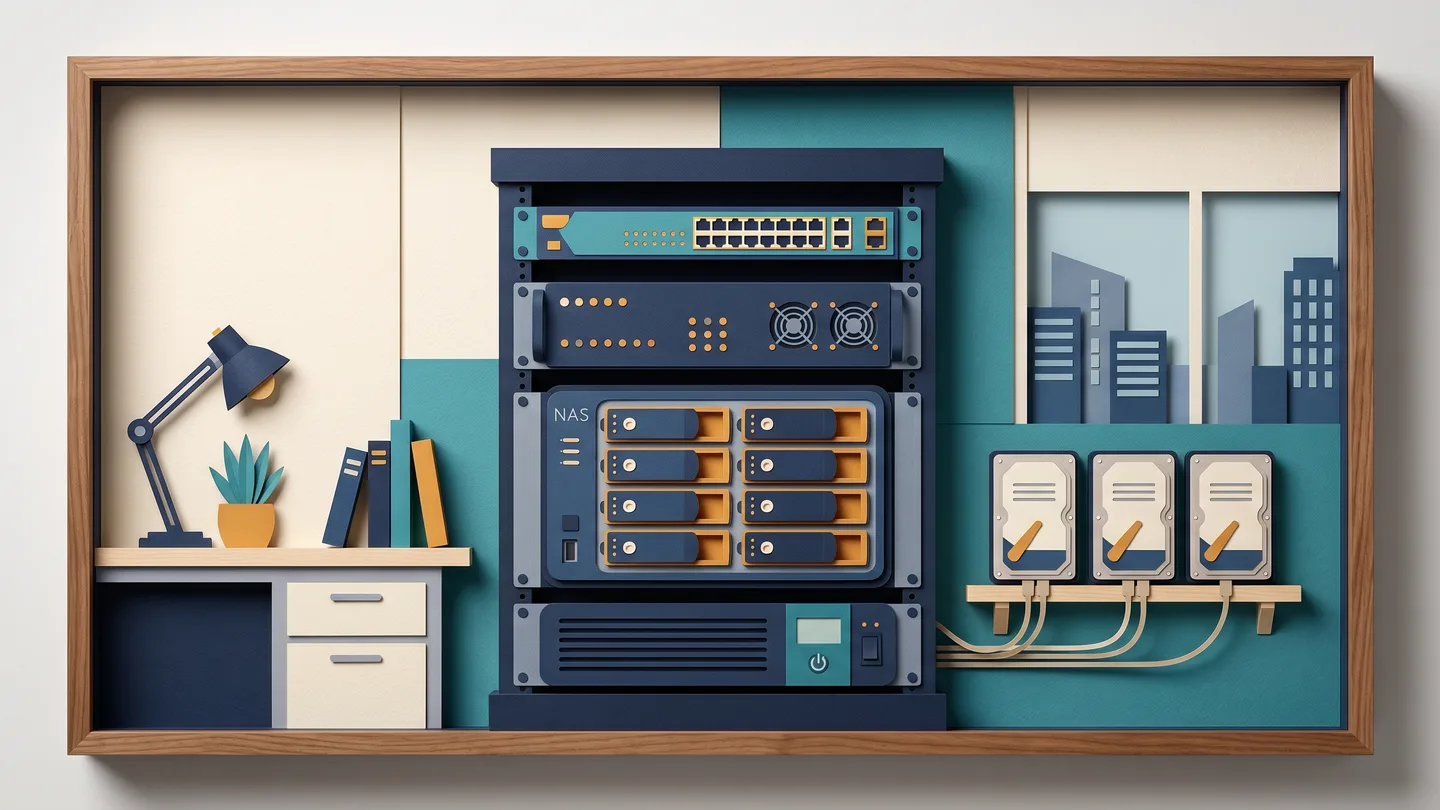
Your data, in your building
Most offices keep their accounts, Tally data, design files and years of records on one PC or one shared drive. The backup, if there is one, has never been restored. One disk failure, one power cut mid-save, or one ransomware mail can take all of it. We set up a server or NAS that gives every employee shared storage, and a backup we prove by restoring a real file in front of you. You get the full documentation and passwords, so the setup belongs to you.
A separate login for every employee
For offices with 10 or more computers, a domain server (Active Directory) gives each person their own login. File permissions stay in the owner's hands. When someone leaves, one click removes their access, and the shared passwords on every machine go away.
What we set up
- On-premise servers for file sharing and Tally or ERP hosting
- NAS storage with automatic daily backups
- Windows domain and Active Directory configuration
- Tested restores, so a backup is proven, not just copied
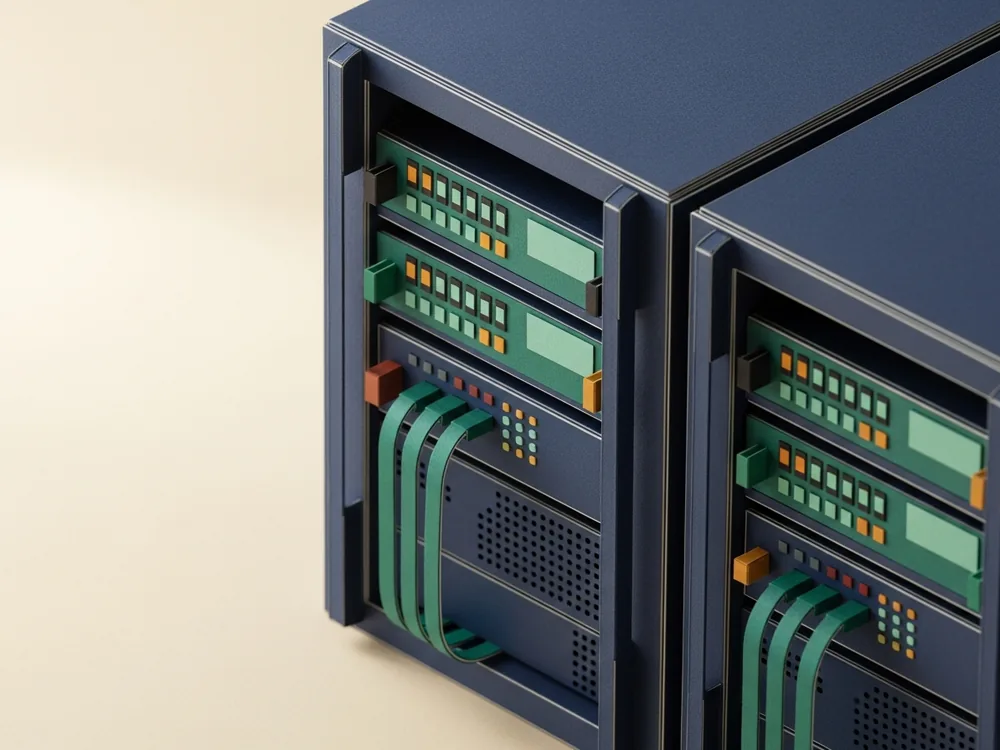
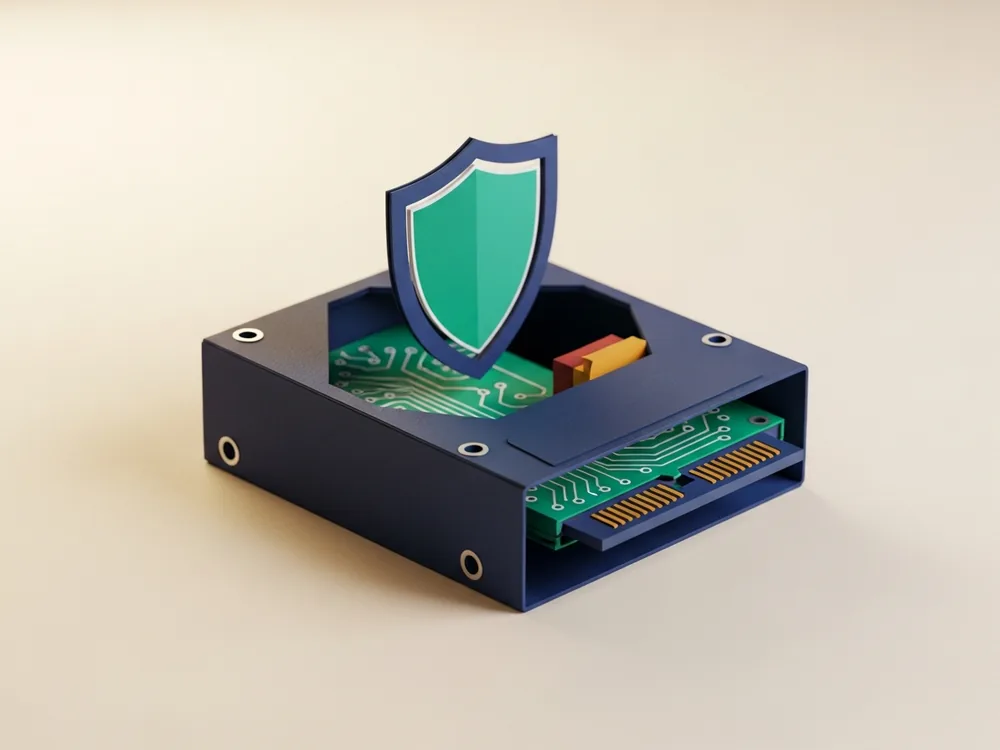
See what the work involves
What happens when you contact us
- Same day
WhatsApp us what you have
Message +91 83471 71266 and tell us roughly how many computers you have and what you store, whether Tally, designs or records. We reply on WhatsApp and book a free site visit, with no commitment.
- Within a day
Free on-site survey
We visit your office or factory, see how your data is stored today, check whether any existing backup works, and note what must never be lost. Free, with no pressure to buy.
- After the survey
Written, itemised quote
You get a clear quote listing the server or NAS, the storage size, the UPS and the setup work, line by line. If you hold a written quote from someone else, we match it or explain plainly why ours differs.
Setup with a tested restore
We install and configure the server or NAS, set up per-employee logins if you need a domain, and turn on automatic backups. Then we restore a real file in front of you, so you see the backup works, not just that it runs.
Handover of documentation and passwords
You get the admin logins and a plain-language document of how everything is set up and where your backups go. The setup is yours, with nothing held back.
Optional AMC to keep it healthy
If you want, we keep watch under a yearly AMC, checking that backups keep running and disks stay healthy. Many clients start with one job and move to AMC once they see the setup is solid. The choice is yours.
Answers before you ask
Do I need a server, or is a NAS enough for my office?
It depends on what you run. For shared file storage and automatic backups on a handful of machines, a NAS is the simpler, cheaper answer. For 10 or more computers with per-employee logins and file permissions in your control, or for hosting Tally and ERP for everyone, a Windows domain server fits better. We tell you which one suits you at the survey and recommend the box your work needs.
We already copy data to a second drive. Why is that not a proper backup?
Two reasons. A second drive in the same machine, or a RAID mirror, goes down with the first. If ransomware hits or a file is deleted, both copies vanish at the same moment. And a copy you have never restored is only a hope. We set up backups that run on their own, then prove them by restoring the data in front of you, so you know it works before you need it.
We get frequent power cuts. Will that damage the server data?
A power cut while data is being written is one of the most common ways Tally and server data gets corrupted. A server or NAS should sit behind a UPS that gives it time to shut down cleanly. We size the UPS and include it in the survey and quote, as part of the job from the start.
If a hard disk fails, do I lose everything and stop working?
Set up properly, you keep working. We configure the disks so the server keeps running on the remaining disk when one fails, and you replace the failed disk without downtime. That covers a disk failure. It stays separate from the backup, which is what protects you against deletion, ransomware and theft. You need both, and we set up both.
Is cloud cheaper and safer than buying my own hardware?
For some things, yes. Email and a website often work better in the cloud. For large Tally data, CAD files and CCTV archives that everyone opens all day, a slow upload link is painful and the monthly cost adds up. Many of our clients run both: a local server for daily work, plus an off-site or cloud copy as the backup. We recommend what fits your work.
We had a server installed years ago and nobody maintains it. Can you take it over?
Yes, and it is common. We audit exactly what is running, check whether the backups actually work, document the whole setup in plain language, and bring it under AMC so one person is responsible for it. You get the admin logins and the documentation, so the setup is yours.
What happens to my passwords and access if I stop working with you?
They are yours from day one. We hand over the admin logins and written documentation of how everything is set up. If you move to someone else later, the next person has everything they need. We earn your custom with good service, and you stay free to leave.
Get a free quote
ફોર્મ ભરો — અમે કૉલ કરીશું. અથવા સીધો વોટ્સએપ કરો.
Got it — thank you.
Your details have reached our team. We'll call or WhatsApp you back the same working day. For anything urgent, call +91 83471 71266.