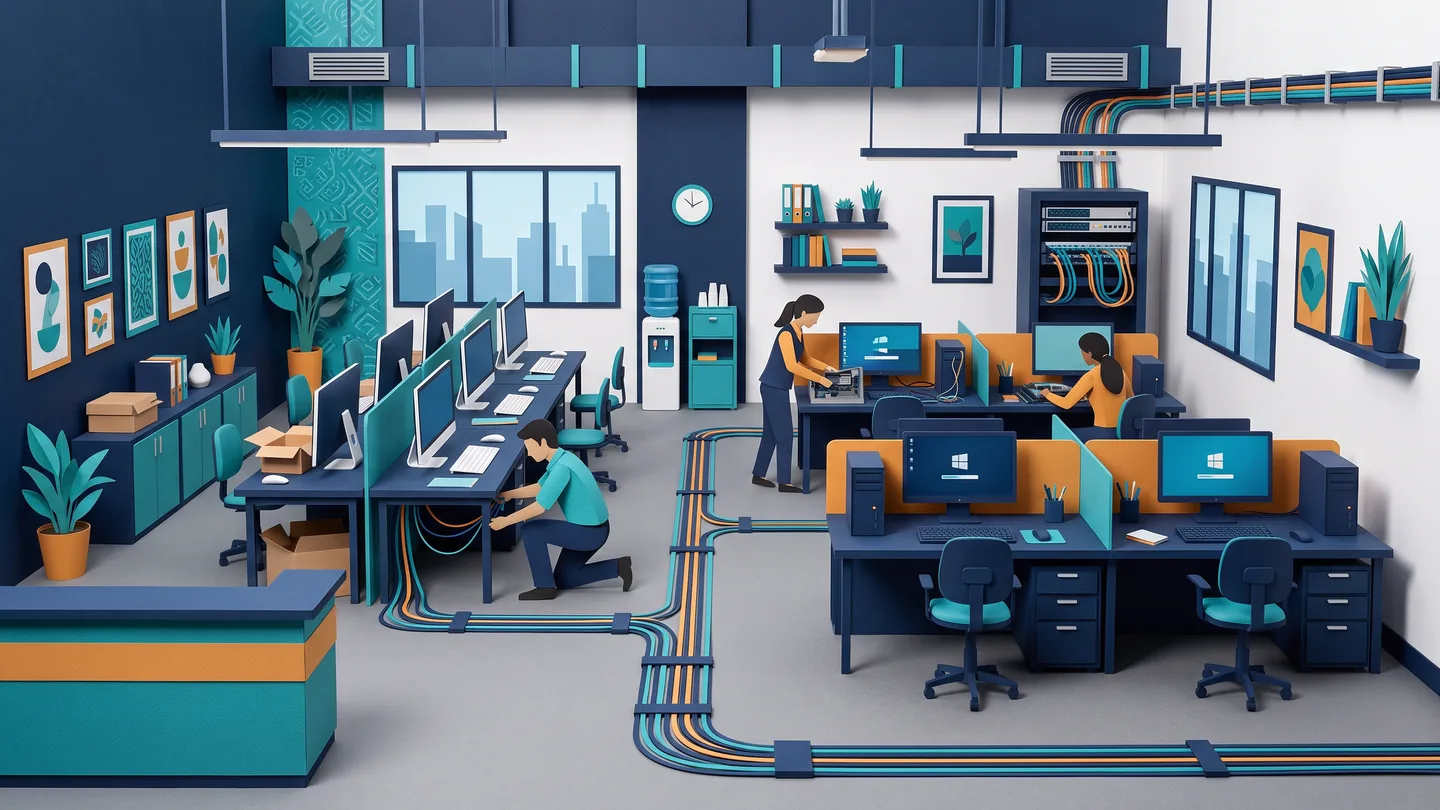
Key takeaways
- The order of work matters more than brands. Buried cabling goes in first, not last
- Split everything into buried (cables, drops, conduits) and swappable (cameras, PCs, switches)
- Schedule backwards from the opening date and loop IT in with interiors at the layout stage
- Always pull spare cable drops now. Cheap quotes hide CCA cable, no testing, weak earthing
Picture this. The interior contractor has finished, the modular furniture is in, the false ceiling is sealed and painted, and the muhurat date is next week. Now someone says, "Let's get the cameras, WiFi and computers sorted." So the IT fellow is called. He walks in shaking his head. To run a single clean cable to that corner camera, he now has to open the freshly-painted ceiling, chip a wall, or staple ugly white casing across your new office.
Why the sequence matters more than the brands
Switch between doing it in the right order and the “furniture-first” way most new offices get wrong — and see exactly where it costs you twice.
This is the most common and most expensive mistake we see in new Ahmedabad offices. Not the brand of camera, not the WiFi router. It is the order of work. IT is not the last thing you fit. A big part of it is the first thing that goes in. This guide walks through the right sequence so your office is ready, clean and tested on day one, and so you can read any vendor's plan like a pro.
The one rule that decides everything: buried vs swappable
Before you think about brands or budgets, sort every part of your office IT into two buckets. It makes most of the decisions for you.
Buried — must be decided before the ceiling and furniture
Anything that lives inside a wall or above the false ceiling: structured network cabling, conduits and back-boxes, the cable drops for every CCTV camera, WiFi access point and biometric machine, and the power points for your server rack. Once the ceiling closes and the furniture lands, touching any of this means breaking and re-doing finished work.
Swappable — can come later, can be phased
Anything that sits on a desk or simply plugs in: the workstations, IP phones, the NVR recorder, the access-point heads, the actual camera units, the switches. You can buy these closer to opening, add to them next year, or upgrade them without disturbing a single wall.
Hold every component up against this rule and you will know what is urgent. The cameras can wait. The cable to where the camera will go cannot.
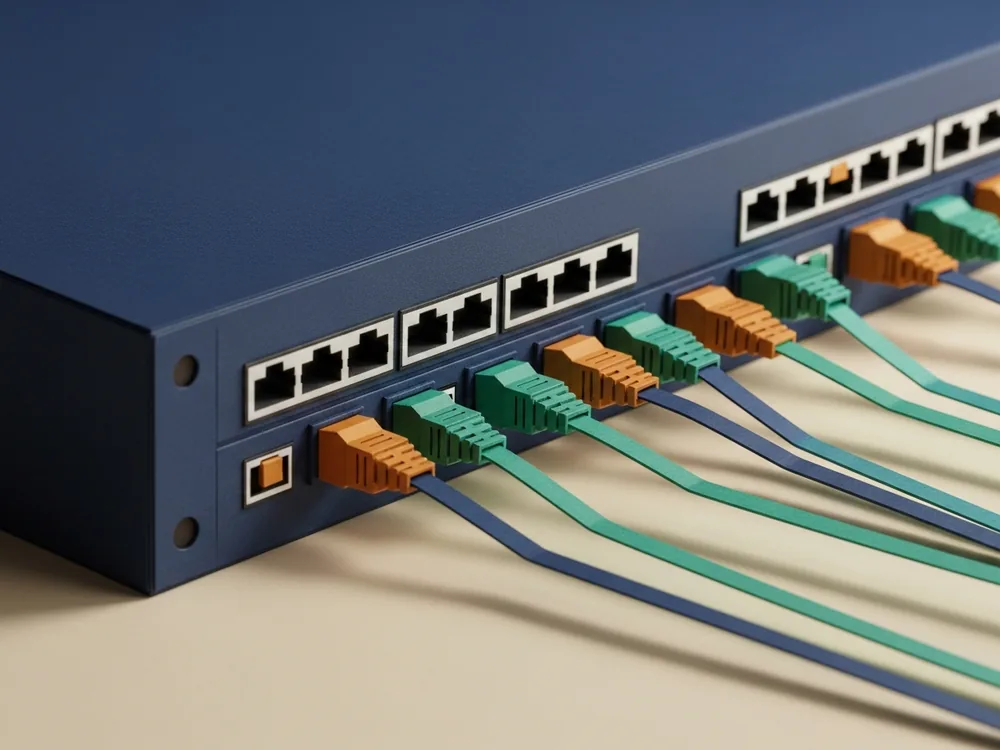
The systems in a typical office fit-out
A typical Ahmedabad office, whether a clean tower floor on SG Highway or a unit inside a GIDC estate at Vatva, Naroda, Odhav, Changodar or Sanand, usually needs some mix of structured cabling (the backbone), WiFi access points, workstations, CCTV, biometric attendance or access control, IP phones, and an optional server or NAS. Of those, the cabling and all the in-wall drops are buried. Almost everything else is swappable. That single split is what lets you plan calmly instead of panicking the week before opening. Our turnkey office IT setup handles the whole list as one job, so the buried work and the swappable work are planned together, not bolted on afterwards.
Why cabling goes in before furniture and the false ceiling
Low-voltage network cabling has a natural slot in any fit-out. It goes in after the rough electrical wiring but before the false ceiling closes and the furniture arrives. Get the IT vendor onto the floor plan at the design stage, the same time as the interior contractor and electrician, and the cabling is pulled cleanly, labelled, and tested before anything is sealed.
Do it the other way round and you pay for it twice: once in chipping and re-painting, and again in a messier, harder-to-maintain result. Joining at the layout stage rather than after construction removes a large chunk of the rework, for one simple reason. Nobody is undoing finished work. The common Gujarati workflow, where the furniture contractor arrives first and IT is called last, is exactly backwards. The false ceiling and the modular furniture decide where every cable and camera can physically go, so IT must have a say before they are fixed, not after.

Planning backwards from your opening date
The cleanest way to schedule a fit-out is to fix the opening or muhurat date first and work backwards. Here is the sequence we follow.
- Fix the opening dateEverything is scheduled back from this, so testing and handover finish before possession, not on the morning of.
- Free on-site survey, firstWe come and see the actual space, measure runs, and note where cameras, points and the rack should sit, usually within a day of your call.
- Written, itemised quote nextYou get every line spelled out: cable grade, number of points, cameras, AP count, so you can read it like a pro and compare honestly.
- Hand the floor plan to IT and interiors togetherThe single most important step. The IT vendor and the interior contractor work off the same layout at the same time.
- Cabling and conduits during civil workAll buried work — drops, conduits, back-boxes, rack power and earthing — goes in before the ceiling closes.
- Devices, testing and handover before possessionSwitches, APs, NVR, cameras, biometric, IP phones and workstations are installed and tested so day one just works.
IT isn't the last thing you fit out: the cable to where the camera will go must go in first.
One vendor or five?
You can hire separate people for cabling, CCTV, networking and biometric. For a small business, the real cost of that is not money. It is finger-pointing. When the cameras go black, the cabling fellow blames the CCTV fellow who blames the network fellow, and you are stuck in the middle holding four warranties and four phone numbers.
One accountable vendor means one survey, one written quote, one warranty, and one person to call when something needs attention, and the trades actually coordinate with each other instead of working in silos. At Butterfly Business Solutions, that one person is Vishal Patel, with around twenty years in the field, not a call-centre. Juggling multiple vendors only really pays off at larger scale, when you have in-house IT staff to manage them. Most Ahmedabad and Gandhinagar offices are far better served by a single point of accountability.
Where a too-cheap quote is usually cutting corners
A new-office quote can look attractively low because the cuts are in the parts you cannot see, the ones that come back to bite you after the ceiling is sealed. If you are also pricing the cameras, our guide on what a CCTV quote should contain goes line by line. Here is what to watch on the office side.
- CCA cable sold as "copper." Copper-clad aluminium looks identical but carries far less current. It causes camera black-screens, PoE failures and voltage drop on long runs. Scrape the conductor: if silver shows under the copper, it is CCA. Insist on solid copper and a written spec.
- No testing or cable schedule. Cheap installers never run a proper line test or hand over a labelled cable map. Untested cable fails months later, after the false ceiling has been closed over it.
- "Megapixel" inflation on cameras. A big MP sticker on a weak sensor with low bitrate gives you mush at night. Night-time clarity, sensor quality and bitrate matter more than the number on the box.
- An undersized recorder. A small hard disk that holds five to seven days when you assumed a month. Ask exactly how many days it will retain. It can matter for any later review, not just your peace of mind.
- A home router passed off as "office WiFi." One consumer router will never cover a whole floor. Proper offices use dedicated access points on a managed switch, sized by a quick survey, not "let's just add more boxes."
- No earthing or surge protection on the rack. In our voltage-fluctuation and power-cut conditions, skipping proper earthing and a decent UPS is a silent killer for your NVR and server.
Budgeting and what to phase
You do not have to buy everything at once, but you must get the buried things right now. Think in three phases. Phase 1 (now, non-negotiable): structured cabling, conduits, all camera and AP drops, power points and earthing for the rack, and the server-room location. Phase 2 (before opening): switches, access points, NVR and cameras, biometric, IP phones and workstations. Phase 3 (later): extra cameras, capacity upgrades, more workstations.
The golden rule: always pull spare cable drops now. Copper cable is cheap. Re-opening a finished ceiling is not. A few extra drops today save a small demolition next year. On running costs, ongoing support like an AMC is usually priced per-PC per-year, and you can sketch a figure with our AMC calculator. We can supply the hardware ourselves with genuine branded parts and proper bills, or simply set up machines you buy yourself.
Do you even need a server?
One question worth settling early, because it affects your rack, power and cabling: a local server or NAS versus the cloud. A local box wins for fast file-sharing on the office network, keeping Tally or ERP data in your own control, and surviving internet hiccups. Cloud wins for remote access and near-zero maintenance. For many small Ahmedabad offices a hybrid is the right answer, a modest local server or NAS with cloud backup. We will not sell a big server to a six-person office that only needs cloud accounts. If you want to weigh it properly, see our guide on server, NAS or cloud. Either way, decide before the cabling goes in, so the rack location and its power are right the first time.
Gujarat realities to build in
A few things are specific to running an office here. Frequent power cuts and voltage swings mean a UPS sized for the rack and NVR, real earthing and surge protection are not optional. Ahmedabad's hot, dusty climate means a server room needs proper cooling and a sealed, dust-controlled rack. Ordinary setups overheat and kill batteries early. On CCTV, footage is commonly kept in roughly the 30–90 day range, and a clearly displayed CCTV-in-use sign and a clear, stated purpose are good practice. Our CCTV and security installs are set up with this in mind, and we have a plain-language explainer on CCTV rules in Gujarat if you want the detail. And GIDC units with long runs to gate and shop-floor cameras need outdoor-rated, rugged hardware that a clean Prahladnagar tower office does not.
The honest offer
Start with a free on-site survey and a written, itemised quote, no obligation. Already have another written quote? Send it to us on WhatsApp and we will either match it or explain, plainly, where the difference is and what it is buying you. For Ahmedabad and Gandhinagar offices we aim to be on-site the same day during working hours, Monday to Saturday, 10:00 to 19:30. The best single thing you can do, though, is simple: talk to us before your interior contractor starts.
Common questions
When should I call the IT and CCTV vendor — before or after the interior work?
Before, ideally at the layout and design stage — the same time you engage the interior contractor. The network cabling and all camera, WiFi and biometric cable drops go inside walls and above the false ceiling, so they must be planned and pulled before the ceiling is sealed and furniture lands. Calling IT last is the single most expensive timing mistake, because every cable then needs chipping or ugly visible casing.
Do I really need a server or NAS, or is cloud enough for a small office?
It depends on your size and how you work. A local NAS or server makes sense for fast file-sharing on the office network, keeping Tally or ERP data in your own control, and surviving internet hiccups. Cloud, like Google Workspace, wins for remote access and almost no maintenance. For many small Ahmedabad offices a hybrid is right — a modest local server or NAS with cloud backup. We will not sell a big server to a six-person office that only needs cloud accounts.
Should I give the whole fit-out to one vendor or hire separate people?
For a small business, one accountable vendor is usually the better choice. You get one survey, one written quote, one warranty and one number to call — and no finger-pointing between the cabling, CCTV and network people when something fails. Multiple vendors only really pay off at larger scale, when you have in-house IT staff to manage and coordinate them.
What can I phase or postpone to manage the budget?
Do all the buried work now — structured cabling, conduits, every camera and access-point drop, and the power and earthing for your rack — because re-opening a finished ceiling later is costly. You can phase the swappable items: add cameras, workstations or capacity later. One firm rule: always pull a few spare cable drops now, while the ceiling is open. Copper is cheap; demolition is not.