Key takeaways
- The right answer is usually a mix: an on-site NAS or server for daily work, plus a cloud copy off-site
- RAID is not a backup. A real backup is a separate copy, proven by restoring a live file
- Follow 3-2-1: three copies, two media types, one off-site, and keep your own admin passwords
- In Gujarat heat and power cuts, a UPS for the server and the Tally PC belongs in the quote from the start
Somewhere online there's an offer promising "business server setup from ₹X." Treat it the way you'd treat "house painting from ₹X." The number is bait. The real decision only starts once someone sees how your office works.
Is your data actually safe?
A RAID mirror keeps two live copies. Run the two scenarios and watch what survives — and what doesn't.
A trader with four PCs sharing one Tally file is a completely different job from a 25-PC factory office that needs per-user logins and a proper recorder room. Anyone who quotes a flat figure over the phone, before asking how many people open Tally at once or whether your power is stable, is guessing.
Here is the part most vendors skip. Where your data lives matters far less than whether it's backed up, tested, and still yours if you and your IT person ever part ways. Let's settle the real questions first.
NAS, server or cloud — what each is actually for
Owners mix these three up constantly, and a vendor who wants to oversell will happily let you stay confused. In plain words:
NAS — a shared box for files and backups
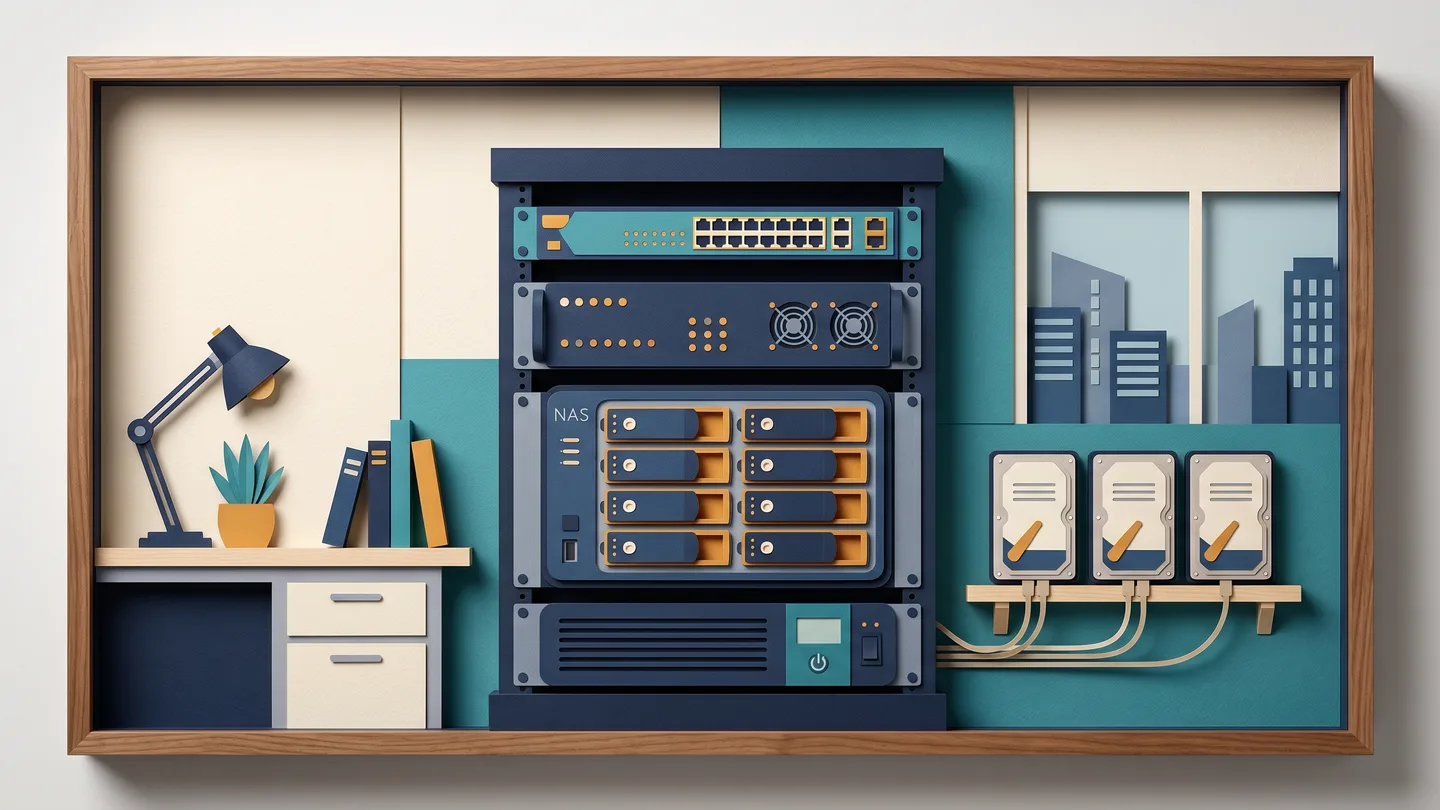
A NAS is a small always-on box that sits on your office network. It holds shared files everyone can reach and quietly backs up your PCs to one place. It keeps working when the internet is down, there's no monthly per-user fee, and it suits a small team that mainly needs shared storage plus automatic backup rather than centralised logins. For many shops and small GIDC offices, a well-set-up NAS is all they need.
Domain server — central logins and control for many PCs
A Windows domain server (Active Directory) starts to make sense once you're around 10 or more PCs, or when you want the same login to follow a person to any machine, proper file permissions ("dispatch can't open the accounts folder"), and one place to host Tally or ERP data for a multi-user team. Below roughly 10 PCs, a workgroup or a NAS is usually enough. A domain earns its keep when managing all those PCs becomes a daily headache. We set these up, and we can also take over an existing, unmaintained server that nobody ever documented.
Cloud — email, website and your off-site copy
Cloud is the best tool for some jobs, and we'll say so: business email (Google Workspace, Microsoft 365), your website, remote access, and the off-site copy of your backup. No hardware to maintain, cheap to start, but paid every month, forever.
For most Ahmedabad businesses the right answer isn't one of the three. It's a mix: a NAS or server on-site for fast daily work and full control of your own data, plus a cloud copy off-site for the disaster you hope never comes. Local for working, cloud for the fire you don't plan for.
The hard truths a cheap quote won't tell you
RAID is not a backup
This is the most common myth of all. A second hard disk, or a RAID mirror, only saves you if one drive physically dies. It does nothing against the things that wipe a business out. Someone deletes the wrong folder. A virus or ransomware encrypts everything. The file corrupts, the server is stolen, or there's a fire. Every one of those hits both disks at the same instant.
RAID is about staying running. A backup is a separate copy you can go back to. Anyone selling you "second disk laga diya, backup ho gaya" is selling you false comfort.
An untested backup is just hope
A backup job that flashes "completed" can still be holding corrupt or half-written data, and you only find out the day you desperately need it. That's not a backup, that's hope.
The fix is simple, and it's how we work. We prove the backup by restoring a real file in front of you, then we keep checking it. A monthly spot-restore and a written schedule beat a "set it and forget it" job that's been silently failing for a year.
Three copies, two places — the 3-2-1 rule
The rule the professionals use: 3 copies of your data, on 2 different kinds of media, with 1 copy off-site. A single server in a single cabin breaks all three. One theft, one flood, and everything is gone at once. That off-site copy is the whole point, and it's the line a cheap quote quietly leaves out.
A power cut can corrupt Tally — so a UPS isn't optional here
This is the Gujarat-specific one. When the power cuts while Tally or your server is mid-write, it doesn't just lose unsaved work. It can corrupt the company data file itself. With the grid we have in summer, and the voltage swings around GIDC estates like Vatva, Naroda, Odhav, Changodar and Sanand, that's not a rare event.
So a UPS for the server and the Tally PC goes into our quote from the start, sized to allow a safe shutdown. It is not an afterthought added once the data's already gone.
Heat and dust quietly kill the hardware
Ahmedabad often runs past 42°C in summer. A server shoved under a dusty counter in a hot cabin lives a short, unhappy life: the fans pull in dust, the dust traps heat, the battery degrades faster. Proper placement, ventilated or cooled and dust-protected, is part of getting the quote right, not a luxury.
Where your data lives matters less than whether it's backed up, tested, off-site, and still yours.
Where a too-cheap quote is usually cutting corners
If one quote is dramatically lower than the rest, it's almost always one of these:
- RAID or a second disk sold to you as "backup"
- One copy, one building — no off-site or cloud copy at all
- A backup that has never once been test-restored
- No UPS on the server or the Tally machine
- No written backup schedule, retention period or recovery plan
- Admin passwords and documentation kept by the vendor, not you
None of these show up on day one. Every one of them shows up the day your data is gone.
You keep the keys — always
The quiet risk in relationship-based IT is getting held hostage. The vendor keeps the Windows, Tally, router and domain passwords, leaves no documentation, and you can't move without him. We do the opposite. You hold the admin logins and a plain-language document of how everything is set up. Your data is yours, exportable any time, never locked to us.
With us there's one accountable person, Vishal Patel, who has spent about 20 years doing exactly this work. Not a call-centre and a rotating cast of strangers. There's a practical reason this matters now, too. Keeping customer and staff records behind sensible access controls, a clear "who can see what" and a written retention period, with old data cleared once its purpose is over, is simply becoming the expected way to run things.
How to get a real answer for your office
- Book a free on-site surveyWe come and see how many PCs you have, how many people open Tally at once, your power, and your floor — no charge, no obligation.
- Get an itemised, line-by-line quoteNAS or server, the drives, the UPS, the backup setup and the off-site copy, all written out, so there's no surprise "extra" bill later.
- Already holding a quote? Send it on WhatsAppWe'll match it, or explain honestly where a missing UPS, no off-site copy or an untested backup is a corner you'll pay for.
Once it's set up, keeping it healthy, with backups verified, drives watched and the UPS battery checked before summer, is exactly what an AMC covers, with same-day on-site support across Ahmedabad and Gandhinagar in working hours (Mon–Sat, 10:00–19:30). The same logic runs your CCTV recordings: your footage is only ever as safe as the disk it's sitting on and the number of days you actually keep it.
The five questions to ask any vendor
- Is this a backup, or just RAID? Where exactly is the second, off-site copy?
- Will you restore a real file in front of me to prove the backup works?
- Is a UPS included for the server and the Tally PC, in writing?
- Do I keep the admin passwords and a document of the setup?
- What does this cost over five years, not just today's price?
That last one matters most. An owned box costs more up front but it's yours, with no monthly fee. Cloud costs little to start but you pay every month, forever. Always compare over five years. Small and simple usually favours an owned NAS; growing and spread-out usually favours more cloud. There's no single right answer, only the right fit for your office, and that starts with someone coming to see it.
Common questions
Do I even need a server, or are my files fine on each PC?
If files are travelling office to office by pen-drive or email and three versions exist, more than one person opens Tally, or there's no real backup plan, you've outgrown loose PCs. The trigger usually isn't the number of computers — it's the mess and the risk. A NAS often solves it before you ever need a full server. A free survey is the honest way to tell which you actually need.
Server or cloud — which is cheaper?
It depends on the five-year cost, not today's price. A NAS or server costs more up front but you own it and there's no monthly fee. Cloud is cheap to start but you pay every month, forever. For a small, simple office an owned box usually wins over five years; for a spread-out or fast-growing team, more cloud often does. Most businesses land on a mix — a local box for daily work, cloud for the off-site backup copy.
My vendor says there's a backup. Is that enough?
Not until it's been tested. A backup that reports 'completed' can still hold corrupt or incomplete data, and you only discover that the day you need it. Ask one question: has anyone ever restored a real file from it? We prove a backup by restoring a file in front of you, keep a second copy off-site, and check it on a schedule. 'Backup chalu chhe' is not the same as 'backup tested chhe'.
If I change IT vendors later, do I lose my data and passwords?
You shouldn't. With us, you hold the admin logins and a plain-language document of how everything is set up, and your data is exportable any time — never locked to one vendor. If your current setup is a black box only your old IT person understands, we can take it over, document it properly, and hand the keys back to you.