Key takeaways
- Bad office WiFi is usually physical: cheap cable, a messy rack, and badly placed access points
- Watch for CCA (copper-clad aluminium) sold as Cat6. It runs hot, corrodes, and causes random drops
- Skip extenders, repeaters, and cheap mesh. Wired access points, each fed by its own cable, fix it
- Cat6 suits most offices. Pay for Cat6a only on long runs, heavy-PoE lines, and the backbone
Almost every shop and office owner does the same thing when the WiFi acts up. Restart the router. Then buy a "more powerful" one. Then blame the internet company. And the WiFi is still bad.
WiFi coverage planner
Drag the access point. Watch the signal fade with distance and drop sharply through walls — and see why one router in a corner leaves rooms dead.
A 30-minute survey of your real floor finds the dead zones — usually it's placement, not a bigger router. See how we plan office WiFi →
For most offices in Ahmedabad and Gandhinagar, slow or dropping WiFi is not a router problem and not an internet-plan problem. It is a physical problem hiding in three places: the cable inside your wall, the rack nobody labelled, and where the access points got mounted.
Think of it like a water supply. A bigger motor (the router) does nothing if the pipe (the cable) is the wrong material, the junction box (the rack) is a tangle nobody can trace, and the taps (the access points) were fitted wherever a hole was easy to drill instead of where people need water.
Once you see WiFi this way, you can read any vendor's quote properly, and spot the ones quietly cutting the corners you will pay for six months later. If you have already been told "just upgrade the router," our companion piece on why office WiFi is slow walks through the same logic step by step.
The three real causes of bad office WiFi
1. CCA cable sold to you as "Cat6"
This is the big one, and most buyers have never been warned about it. A lot of cheap "Cat6" cable in the market is CCA, Copper-Clad Aluminium. It is aluminium wire with a thin copper coating, sold at a copper price. It looks identical in the box. It even passes a quick test on day one.
Then it slowly fails. It runs hot under PoE (the power that feeds your cameras and access points over the same cable). The signal degrades over distance. The wire cracks where it bends. In our humid monsoon air the aluminium corrodes faster than real copper. You get random drops that no router setting will fix.
You can check it yourself. Scrape a strand: if it is silvery-white under the copper, it is aluminium. Real solid-copper cable is heavier, and a bare strand bends without snapping. The fix is solid-copper cable with the genuine bill, which is what our networking, cabling and WiFi work uses. If a vendor won't tell you the brand or won't let you see the cable's own bill, you already have your answer.
2. The unlabelled rack nobody can read
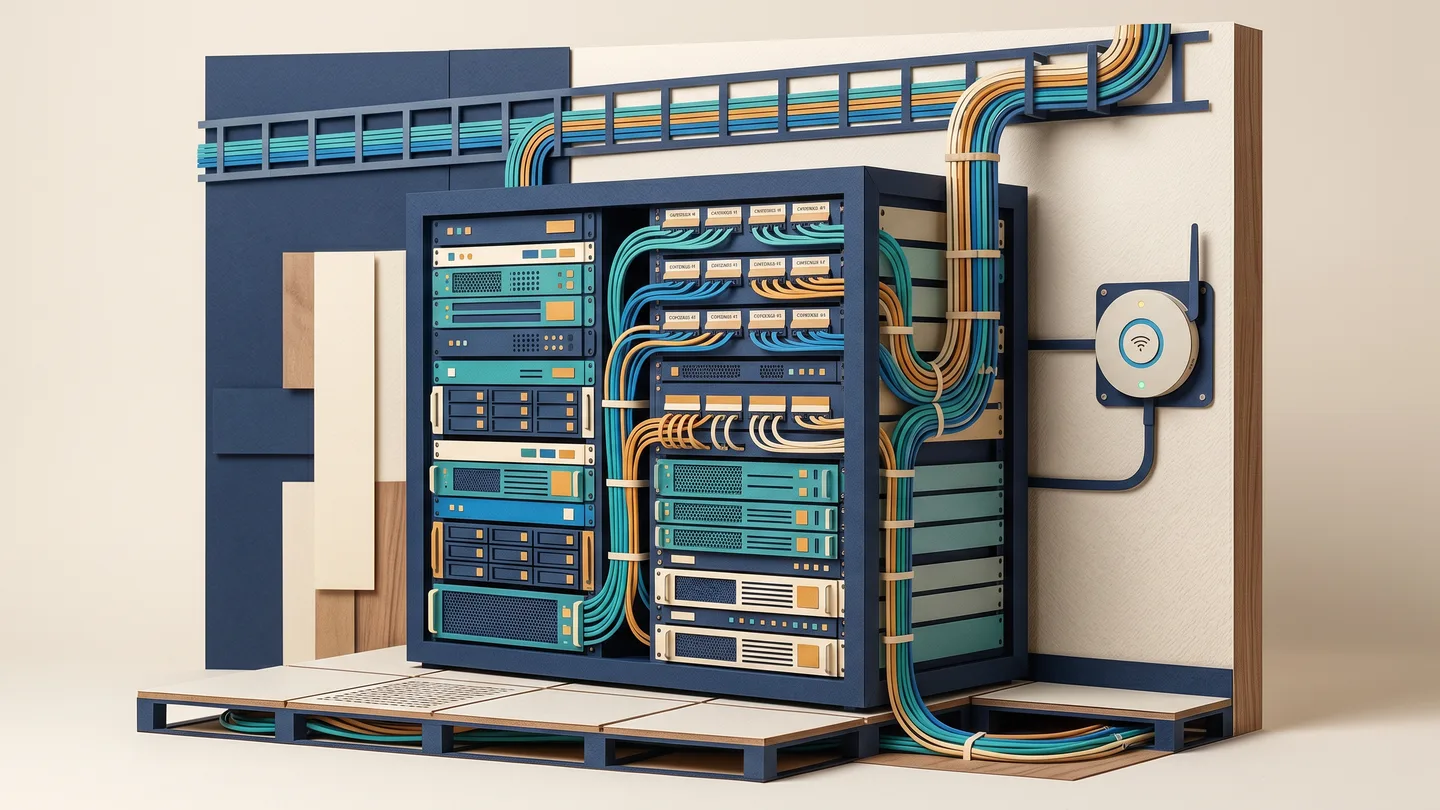
Open the network rack in many offices and you will see a bird's nest. Dozens of identical blue wires, no labels, no port map, no diagram. It works, so nobody touches it.
But the day one cabin goes dead, finding which cable is which takes hours of tracing, and you are locked to whoever made the mess because only they (maybe) remember it. A proper job labels both ends of every cable, gives you a printed port map, and hands over before-and-after photos of the rack. That documentation is not showing off. It is what makes the next repair a ten-minute job instead of a half-day, and it means whoever services it next, not just the original installer, can read it.
3. Access points placed by the free socket, not the floor plan
An access point (AP) is the box on the wall or ceiling that broadcasts the WiFi. The lazy install screws it wherever a power point or cable was already handy.
The result is predictable. Dead zones in the corner cabins and the pantry. Worse, two APs mounted too close, shouting over each other on the same channel and slowing each other down. APs belong where the floor plan and the walls demand coverage, not where the drilling was convenient.
Why "just buy a bigger router" doesn't work
A single router, however expensive, cannot punch its signal through reinforced concrete, brick and metal shutters. It also cannot add capacity for dozens of phones and laptops all at once. Three upsells to be careful of:
- WiFi range extenders / repeaters. These roughly halve your usable speed because they receive and re-send everything on the same air. Avoid them for a business.
- Cheap mesh kits. The nodes talk to each other over the air and share that same air with your devices, so the back of the office still crawls.
- A pricier router with "longer range." Marketing range numbers are measured in an empty field, not your concrete office. It changes very little.
The real fix for a business is wired access points: each AP fed by its own cable back to the rack, so every AP delivers full speed instead of fighting for shared air.
One honest ceiling is worth knowing. No WiFi setup can ever go faster than the internet plan you actually pay for. Good design fixes coverage; only a bigger plan fixes bandwidth. A good vendor will tell you which one is your real problem, and if a survey shows your plan is fine, we will say so rather than sell you boxes you don't need.
Slow office WiFi is rarely the router — it's the cable, the rack, and where the access points were mounted.
Dead zones, walls and why 5GHz vanishes in the back cabin
WiFi is just radio, and your building eats it. A solid concrete wall can swallow a huge chunk of signal. Brick less so. But metal, meaning shutters, racking, machinery, even foil-backed glass, reflects it almost completely.
This is why a GIDC shed in Vatva, Naroda, Odhav or Changodar with metal shelving and machines behaves nothing like a clean office floor on SG Highway or in Prahladnagar. The faster 5GHz band is hit hardest by walls; the slower 2.4GHz band travels further but is more crowded. A good design uses both on purpose. You cannot beat a thick wall or a metal rack by turning the router up. You beat it by putting an access point on the right side of it.
How many access points do you actually need?
The rule of thumb is roughly one access point per 2,000–3,000 sq ft, or per ~30 active users, whichever is more. The number people forget is users, not floor area. A small 1,500 sq ft call-centre floor with 40 staff on video calls needs more APs than a quiet 3,000 sq ft showroom with eight people.
Then adjust up for thick walls, metal, and a two-floor layout. One router downstairs almost never covers a slab above it well. Anyone who quotes you an AP count before seeing the place is guessing, and you will either pay for boxes you don't need or be left with dead zones. The real number always comes from walking your actual floor.
What an on-site survey actually reveals
This is the step cheap quotes skip, and it is why their numbers are guesses. An on-site survey walks your floor with a tool that builds a coverage "heatmap" and shows the things you cannot see:
- Where the dead zones really areThe exact cabins, stairwells and godown corners the current setup never reaches.
- Which walls are killing the signalSo APs land on the correct side of the concrete and metal instead of fighting through it.
- Channel clashes and interferenceYour own APs overlapping, plus the neighbours' WiFi crowding the same channels in a busy estate.
- The honest AP count and placementA specific number and mounting plan for your floor, not a copy-paste figure.
We do this free and on-site, before quoting, anywhere in Ahmedabad and Gandhinagar. The survey turns the whole job from "trust me" into a written, itemised quote you can check line by line. If you already hold another written quote, send it to us on WhatsApp. We will either match it or explain the difference, item by item, so you can see exactly what each one includes and what it quietly leaves out.
Cat6 vs Cat6a — honestly, which one do you need?
Here is where buyers get upsold the most. Both are real copper cable when bought genuine; the difference is headroom. Cat6 handles 1 Gbps everywhere and 10 Gbps up to about 55 metres, which covers the vast majority of normal office desk drops and cameras. Cat6a holds 10 Gbps to the full 100 metres, controls interference better, and runs cooler under heavy PoE, but it costs meaningfully more once you add up cable, connectors and labour. So you only want to pay for it where it earns its place.
The honest rule: Cat6 is right for most small-business offices today. Choose Cat6a only for the long runs over ~55 m, heavy-PoE camera and AP lines, and the main backbone or uplinks you don't want to re-pull for the next 10–15 years. A factory or godown with long cable runs across a big shed, the kind of runs we handle in the GIDC estates regularly, is exactly where Cat6a (or a fibre uplink) earns its money; a desk that will only ever do 1 Gbps does not.
Don't pay Cat6a price for Cat6 work, and don't let anyone sell you CCA at copper price either way. If you are planning the whole floor from scratch, our guide on a new office IT setup in Ahmedabad walks through cabling, rack and WiFi together; if cameras are part of the plan, the same PoE cabling feeds your CCTV too.
The Ahmedabad reality: power, surge and the rack on UPS
Our local conditions quietly kill networks, and cheap quotes skip the protection to look cheaper. Voltage fluctuation, switching spikes and frequent power cuts travel down both the power line and the Ethernet/PoE lines, frying switches, APs and cameras.
As standard, a proper install here builds in surge protection on the lines, correct earthing, and the rack (plus the internet box) on a UPS, so a power cut doesn't take the whole network down with it, and the next spike doesn't kill a switch. In our monsoon humidity and GIDC dust this protection earns its keep, and CCA cable fails here fastest of all.
The deliverable at the end of a good job is simple: labelled, tested, documented and protected, with genuine branded parts, a proper bill you can keep, and one accountable person you can call. That is Vishal Patel, with around 20 years on the tools, not a call-centre. For anything that goes wrong later, we aim to be there on-site the same day within Ahmedabad and Gandhinagar during working hours (Mon–Sat, 10:00–19:30). Tell us your floor and your typical power-cut situation, and the survey will turn it into a quote you can read.
Common questions
My internet plan is fast, so why is my office WiFi still slow?
Because the plan and the WiFi are two different things. Your internet speed is what reaches your building from the ISP; your WiFi is how that signal travels around your office. If the cable inside the wall is poor (often CCA sold as Cat6), the rack is a mess, or the access points are badly placed, you'll get a slow, dropping signal no matter how big your plan is. A bigger plan only helps if the bottleneck is actually the plan — a site survey tells you which one it is, and we'll tell you honestly if your plan is already fine.
Is a mesh router from the market as good as proper access points?
For a home or a tiny office, a mesh kit is usually fine. For a real business it usually isn't, because the mesh nodes talk to each other over the same air your phones and laptops use, so they share and slow down the available bandwidth — and the far corners still crawl. Proper access points are each fed by their own cable back to the rack, so every point gives full speed. We'll tell you honestly if a simple setup is enough for your space rather than over-selling.
Can you reuse my existing cabling, or does everything need to be redone?
Often we can reuse a good part of it — that's one thing the on-site survey checks. If the existing cable tests clean and is genuine copper, we keep it and only fix the rack labelling and access-point placement, which is cheaper. If it turns out to be CCA or it fails testing, we'll show you exactly which runs are the problem instead of asking you to redo everything blindly. You get a written, itemised quote either way, and if you have another written quote you can send it to us on WhatsApp and we'll match it or explain the difference honestly.
Will the WiFi keep working during a power cut?
Only if the rack and the internet box are on a UPS — which is why we treat that as standard for an Ahmedabad install. Without a UPS, the moment the power goes, the switch and access points die and so does the WiFi, even though your phones still have battery. We also add surge protection and proper earthing, because our local voltage spikes and monsoon conditions are hard on network equipment. Tell us your typical power-cut situation and we'll size it right.